Orbe
A helper for tabletop games, with a dial and a round screen. With ready-made files for Magic: The Gathering, Lorcana, Pokémon, CATAN, Flesh and Blood and Riftbound, and open to any other game.
A helper for tabletop games, with a dial and a round screen. With ready-made files for Magic: The Gathering, Lorcana, Pokémon, CATAN, Flesh and Blood and Riftbound, and open to any other game.
Put the board in the middle of the table. Every click of the dial comes with a small vibration.
The game is saved on the board itself, so you can carry on another day. When it ends, it shows the result and lets you fix a mistake. From 2 to 4 players, each with their own color, in English or Spanish.
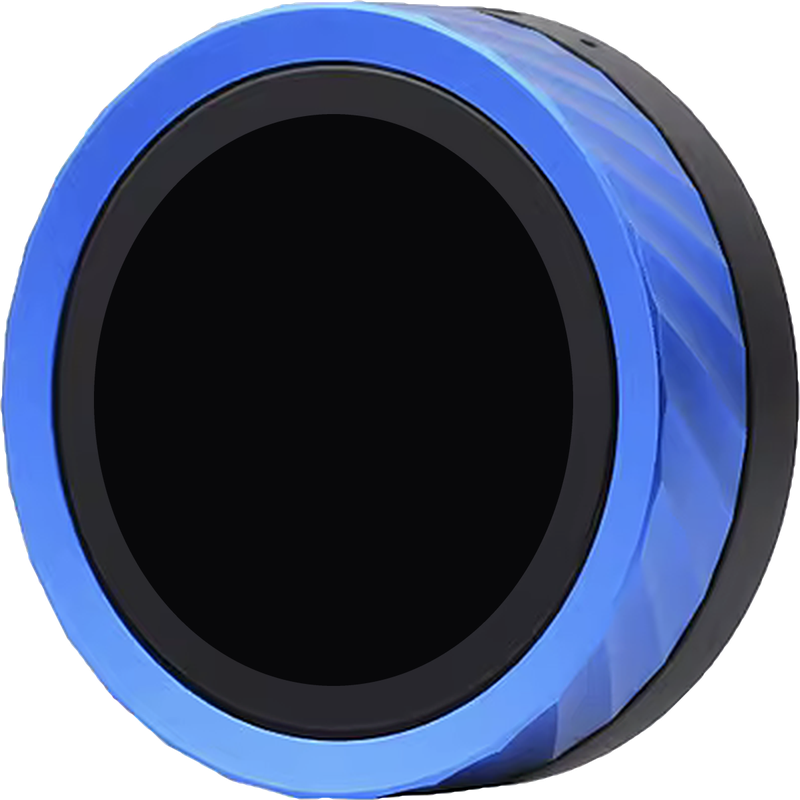
From the box to the table: install Orbe from your browser, set up your game in the editor, send it over USB and play.
What gets counted, where it starts and when you lose or win aren't written into the code: each game is described in a file, with up to 6 counters.
A counter can make you lose or win when it reaches a value, be tracked separately against each opponent or take away from another one, and its ring can either empty or fill up.
Magic: The Gathering
4 players
Magic: The Gathering
2 players
Disney Lorcana
2 to 4 players
CATAN
3 or 4 players
Depending on how many of you there are and where you sit.
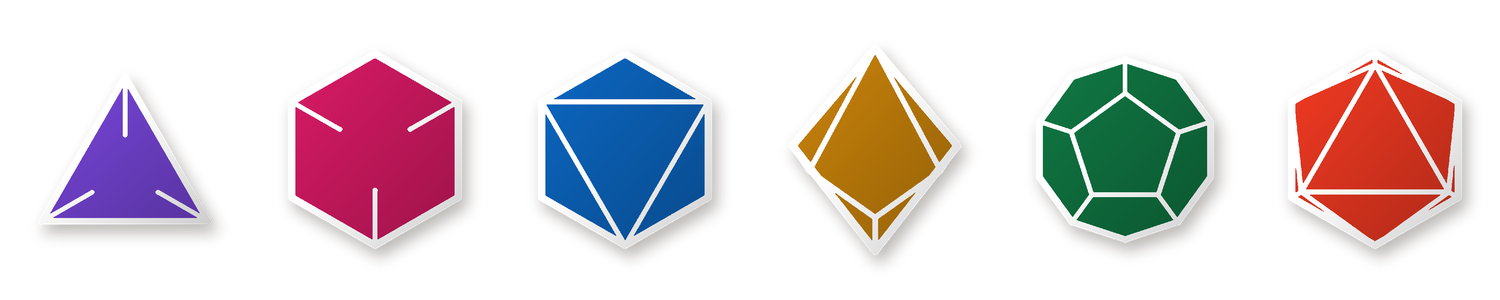
D4, D6, D8, D10, D12 and D20, each one drawn as the solid it is, and a coin that spins. No need to get up and look for them.
The editor asks you how your game works, field by field and without writing any code, and checks that the result is valid. When you're done, it gives you the file and, with the board connected over USB, sends it to the board. You can also use it to check one you already have.
Open the editor"start": 0,
"lethal": {
"when": "at_or_above",
"value": 10
},
"gauge": "fills",
"wheel": { "step": 1 }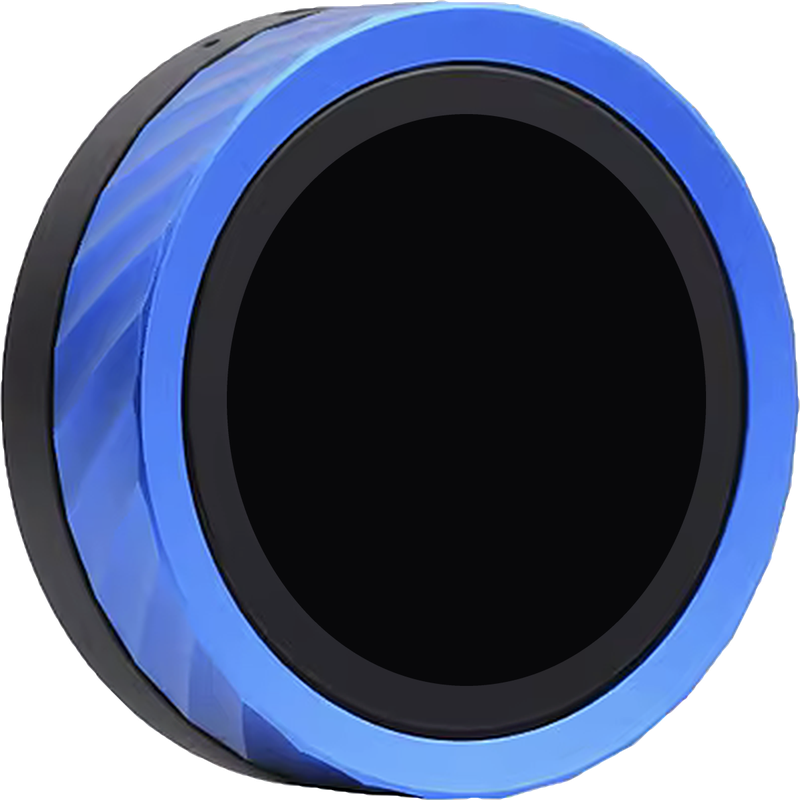
It runs on the Waveshare ESP32-S3-Knob-Touch-LCD-1.8: a 1.8" round touch screen at 360×360, a dial, vibration and a battery.
It's an affiliate link: if you buy through it, I get a small commission and it costs you the same.
Orbe is free and I make it in my spare time. If it's useful to you, you can buy me a coffee: it helps cover the costs.